Waiting List
The Waiting List features manage guests who are waiting for a table. There are four related buttons on the Home Screen: Waiting List, Waiting Add, Call List, and Call History.
Waiting List
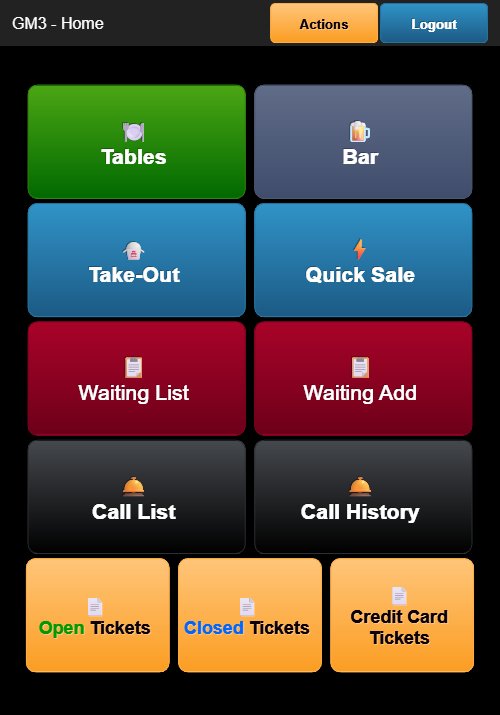
Tap the dark red Waiting List button on the Home Screen. The header displays KIM - Waitings with an orange Actions button and a blue Close button.
The Waiting List screen displays all guests currently waiting in a table with four columns:
- # — Entry number
- INFO — Guest name, seating preference (e.g., BAR, PATIO / TABLE), and notes (e.g., BIRTHDAY)
- SIZE — Party size
- TIME — Time added and elapsed wait time in minutes
Tap an entry to view or manage that guest's waiting status.
Waiting Add
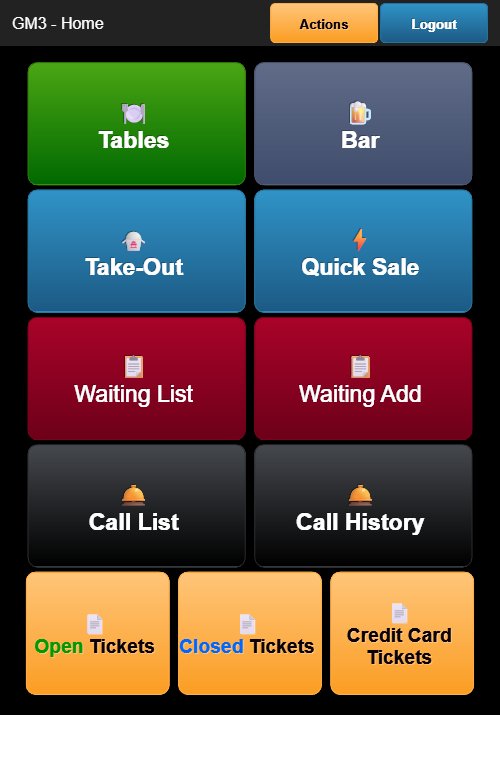
Tap the dark red Waiting Add button on the Home Screen. The header displays KIM - Add with a green Save button and a blue Close button.
The Waiting Add form includes the following fields:
- Phone — Contact phone number (text field with dropdown)
- Name — Guest name (text field)
- Party Size — Number of guests (dropdown, default: 1)
- Location — Preferred dining area (dropdown, default: ANY)
- Seat — Seating preference (dropdown, default: ANY)
- Note — Checkboxes for special notes:
- VIP
- BIRTHDAY
- ANIVERSARY
- HIGH CHAIR
- BOOSTER
- WHEEL CHAIR
- ALL ACCESS
- Memo — Free-text memo field
- Time — Displays the current time with quick-select wait time buttons:
- 10 m, 15 m, 20 m, 30 m, 45 m, 1 hr, 1.5h, 2 hr
Tap the green Save button at the top or bottom of the form to add the guest to the waiting list.
Call List
Tap the dark gray Call List button (bell icon) on the Home Screen. The Call List displays guests who are ready to be called for seating. From this screen, you can initiate a call-out to notify a guest that their table is ready.
Call History
Tap the dark gray Call History button (bell icon) on the Home Screen. The Call History screen displays a log of all guest call-outs that have been made, including the guest name, time called, and status.