Closed Tickets
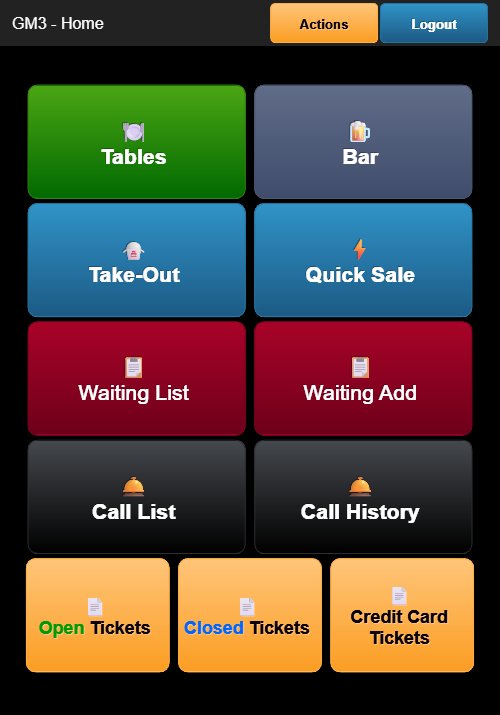
Tap the orange Closed Tickets button at the bottom of the Home Screen to view all completed orders.
Closed Tickets Screen
The header displays KIM - Closed Tickets with a blue Close button.
Each ticket entry shows:
- Order Number — The ticket number (e.g., 1007, 1014, 98001, 98012)
- Register — The register or employee identifier (e.g., GM3, KIM)
- Table/Section — The assigned table (e.g., D2, A1, E1, W1)
- Customer Name — Displayed below the table (e.g., "LEE GI")
- Total Amount — The final order total including tax and tip
- Item List — Expanded view showing item names, quantities, and prices
- Status — Displayed as "CLOSED" in green text
Tapping a closed ticket opens a detailed view of the ticket showing all order items, payment details, and totals.
Closing the Screen
Tap the blue Close button to return to the Home Screen.