Bar Management
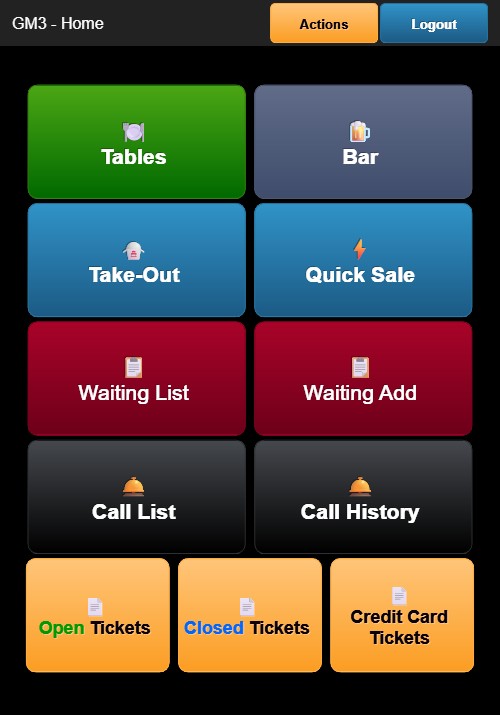
Bar Management is used for handling bar tab orders. From the Home Screen, tap the blue Bar button (beer icon).
Bar Screen
The Bar screen displays existing bar tabs. Each entry shows the tab identifier, customer name (if entered), and tab total.
To open a new bar tab, tap the option to start a new ticket. The order screen opens with BAR as the order type in the header.
Ordering
The ordering process is the same as table ordering:
- Tap menu categories on the right side to view items.
- Tap items to add them to the order. Modifier selection appears for items with modifiers.
- Items appear in the order list on the left.
Bottom Buttons
- Print (red button) — Prints the ticket
- + Order (blue button) — Returns to the menu to add more items
- Pay (green button) — Opens the Payment Options screen
The payment process follows the same flow as table orders.