6. Tax Table
Tax Table Allows Different Tax Rates Applied to Individual Menu Items.
Tax Table Video Guide (Click here)
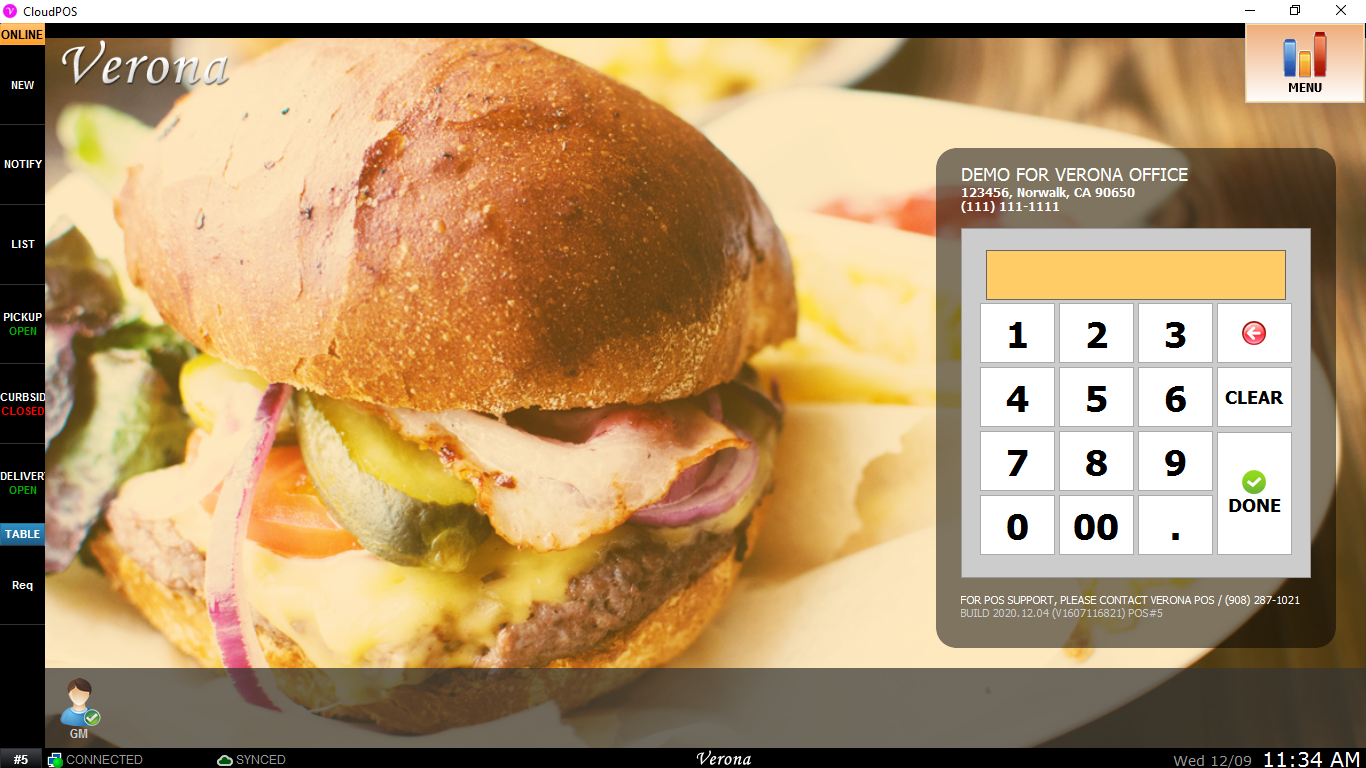
1. Click on Menu on top right corner.
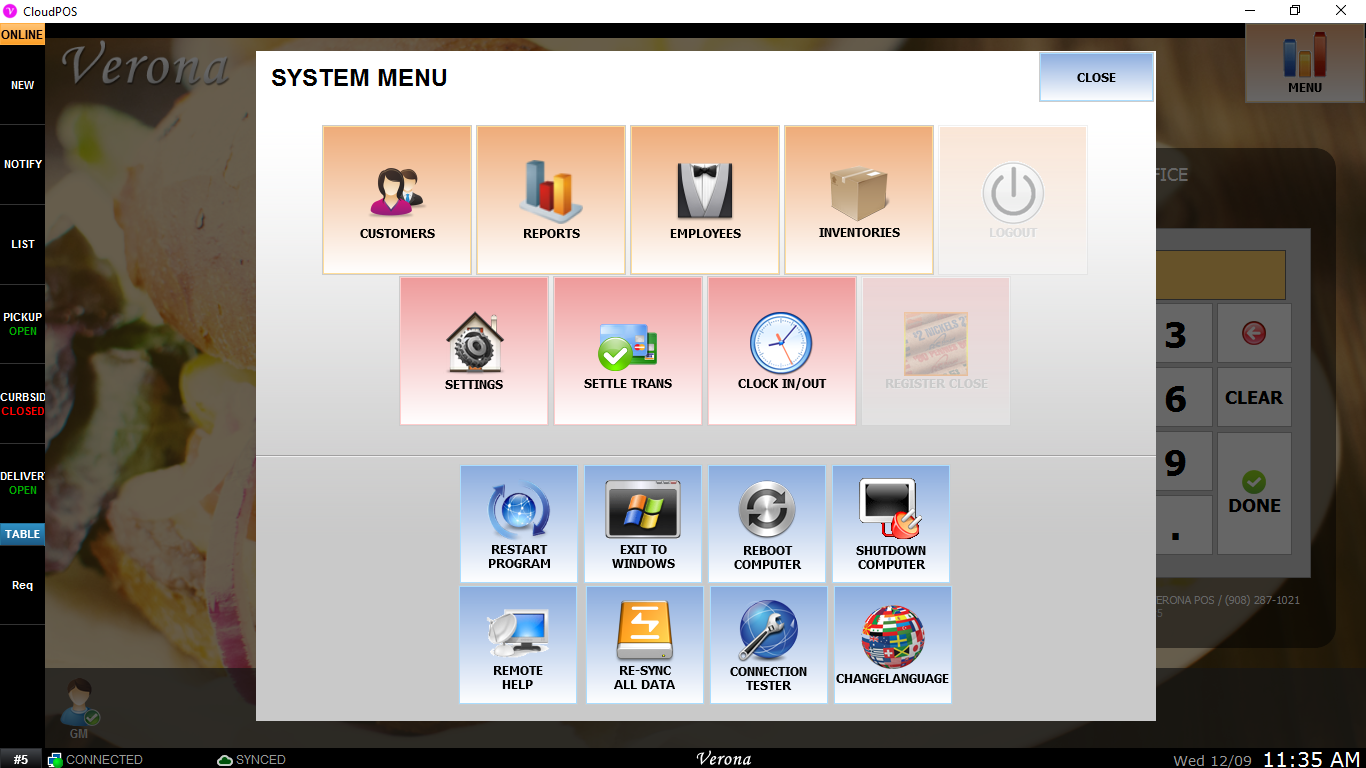
2. Click Setting to access to setting menu.
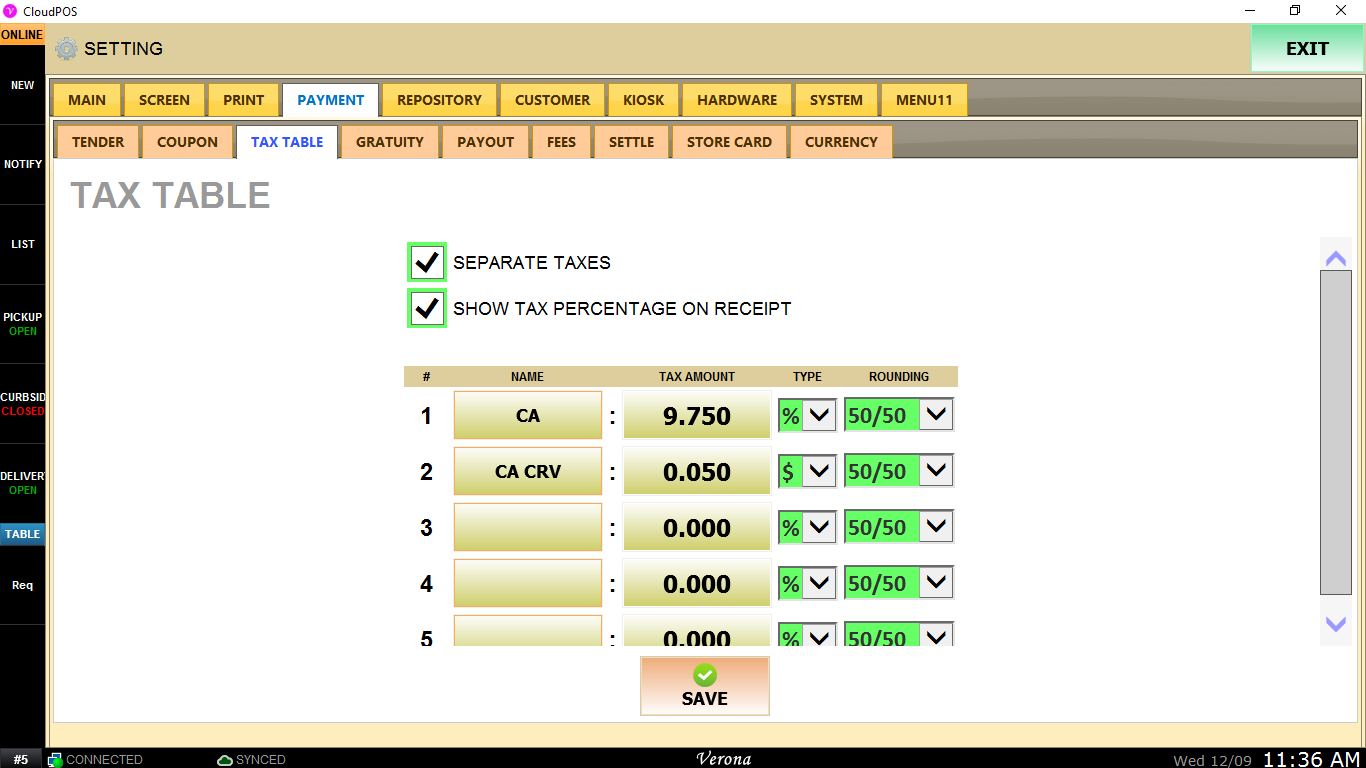
3. Payment > Tax Table
Here, Tax Amount can be in % of item price or flat rate. Also, It can be rounded up, rounded down, or 50/50.
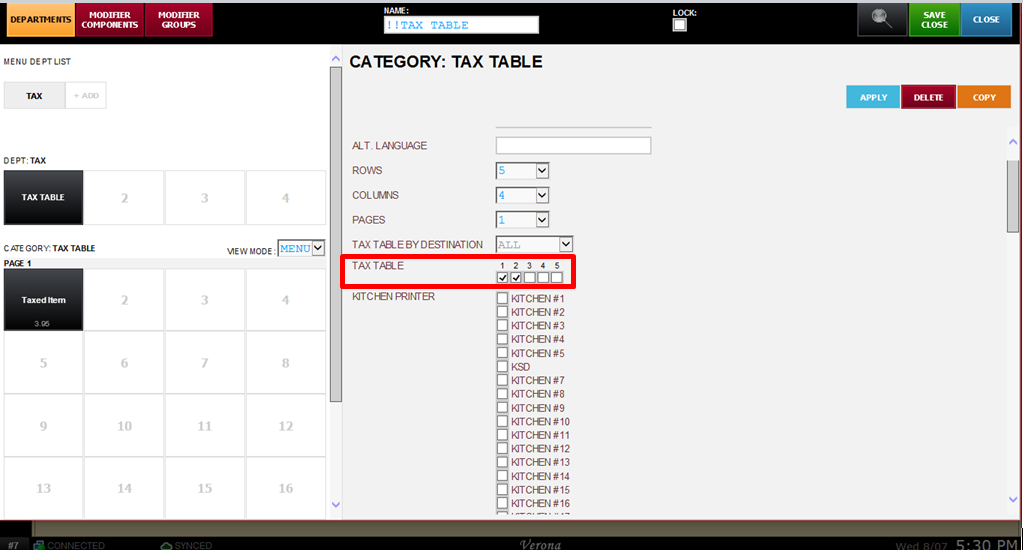
4. Tax Table applied to Category will be inherited and applied to Menu Item under the Category.
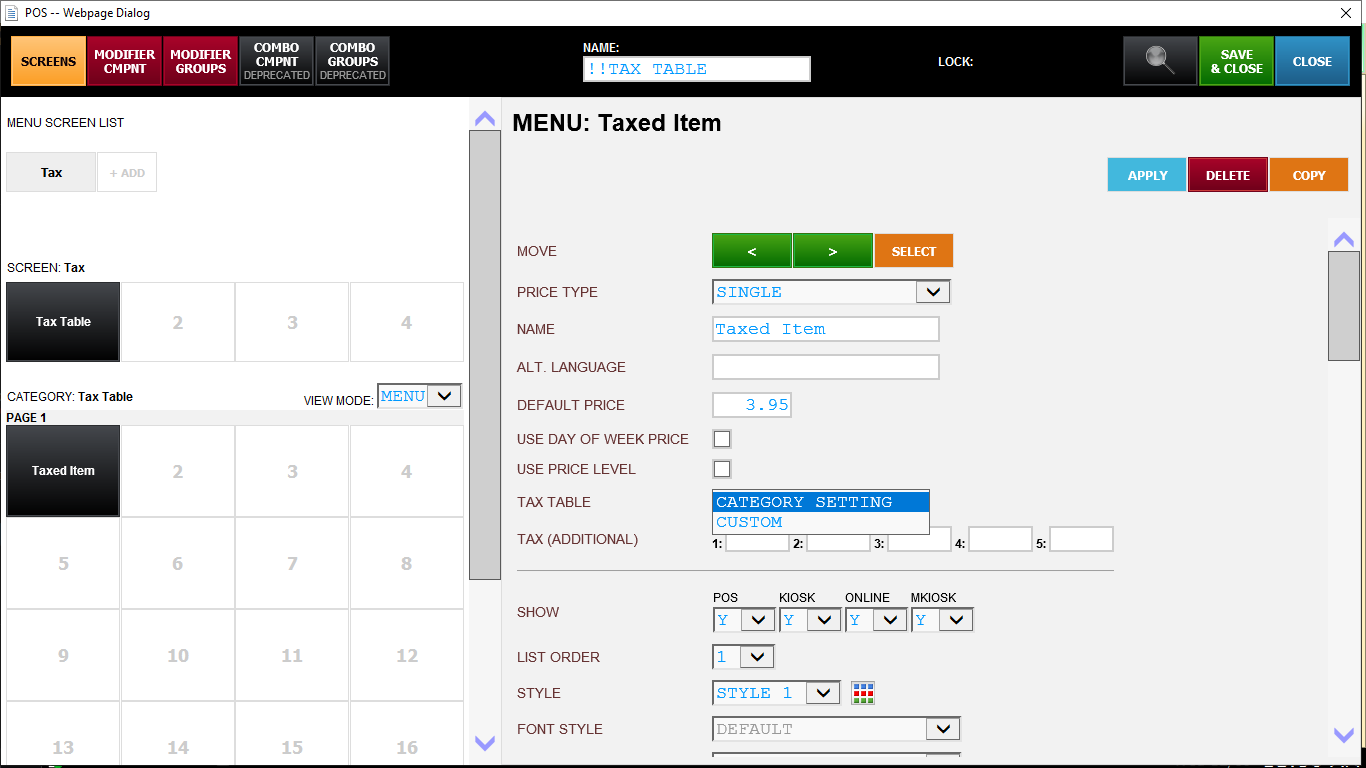
5. Custom Tax Table also can be applied to menu item and overwrite Tax Table inherited from Category Tax Table.
6. Custom Tax Table also can be applied individually according to the destination of menu item.
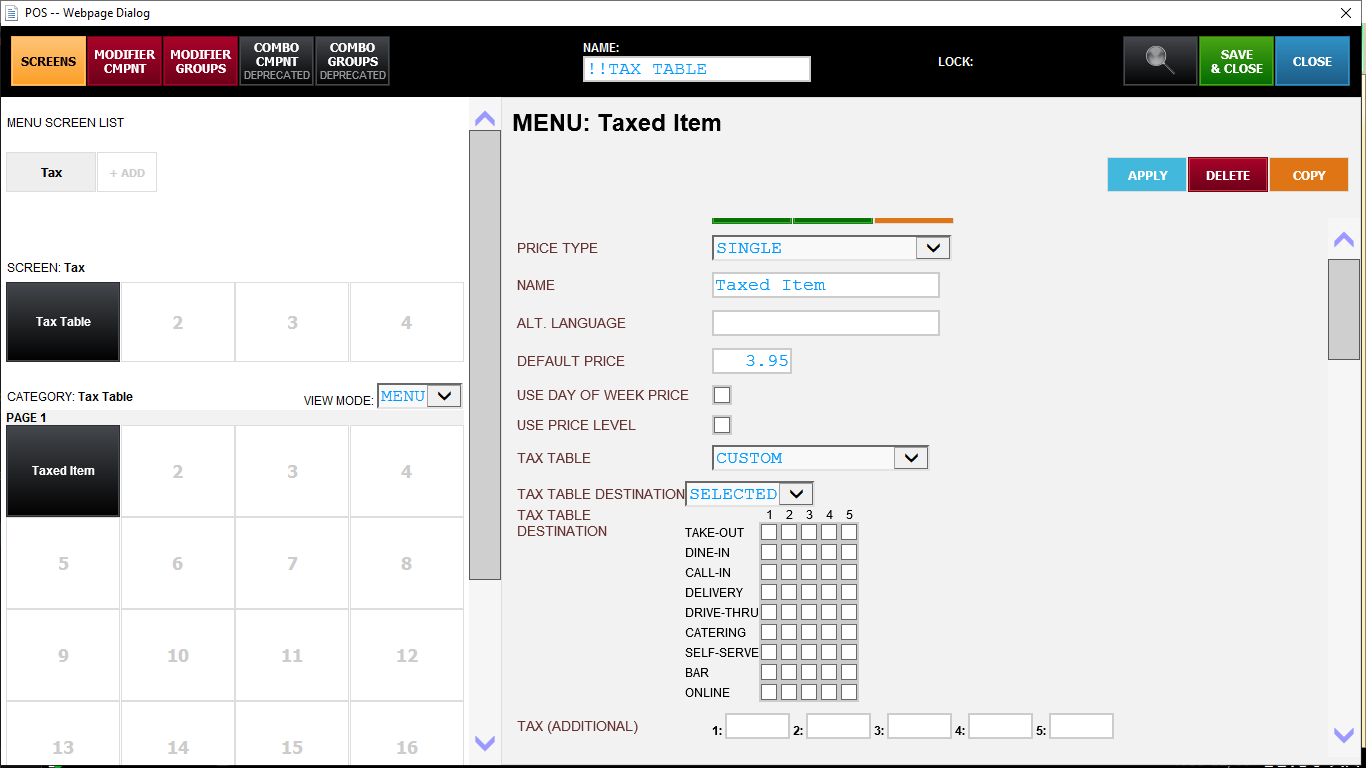
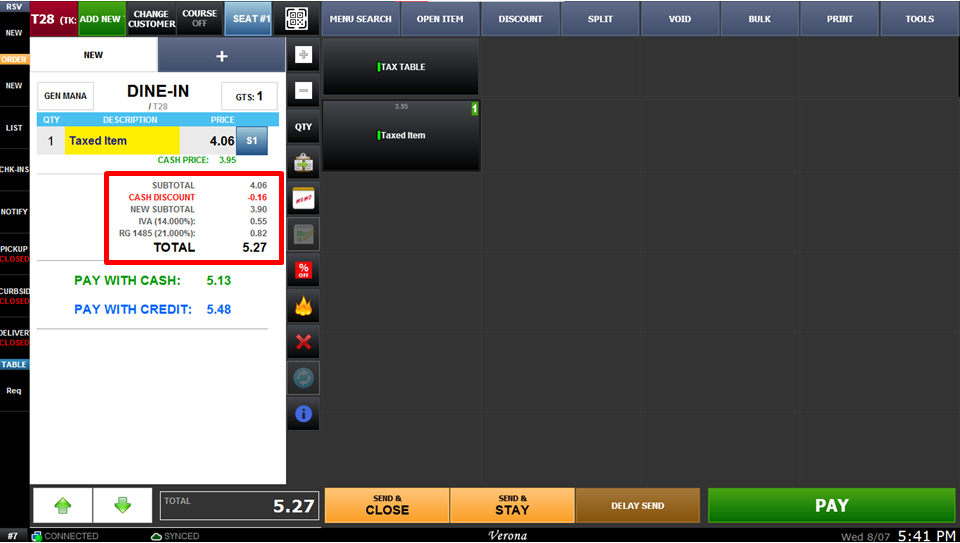
Results.