Payment Options
Tapping the green Pay button from a ticket opens the Payment Options screen. This screen is divided into three sections.
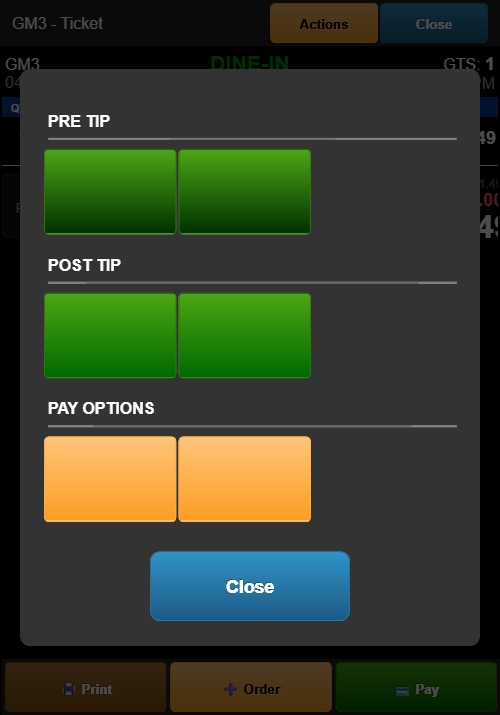
PRE TIP
Collects tip before processing the payment.
- Credit Card (green button) — Proceeds to the percentage-based Tip Selection screen, then Signature, then payment processing.
- Customer Pay (green button) — Proceeds to the dollar-based Tip Selection screen, then Signature, then payment is confirmed.
POST TIP
Processes payment first, then collects tip afterward.
- Credit Card (green button) — Processes the credit card charge immediately without tip. The Payment Complete screen then includes a Customer Tip & Sign button to collect tip and signature after the charge.
- Customer Pay (green button) — Records the cash payment first, then allows tip and signature collection afterward.
PAY OPTIONS
- Equal Pay (orange button) — Splits the ticket total equally between two customers.
- Split Pay Partial (orange button) — Allows splitting the ticket into custom amounts for each customer.
Close Button
The blue Close button at the bottom cancels the payment and returns to the ticket screen.