Take-Out Orders
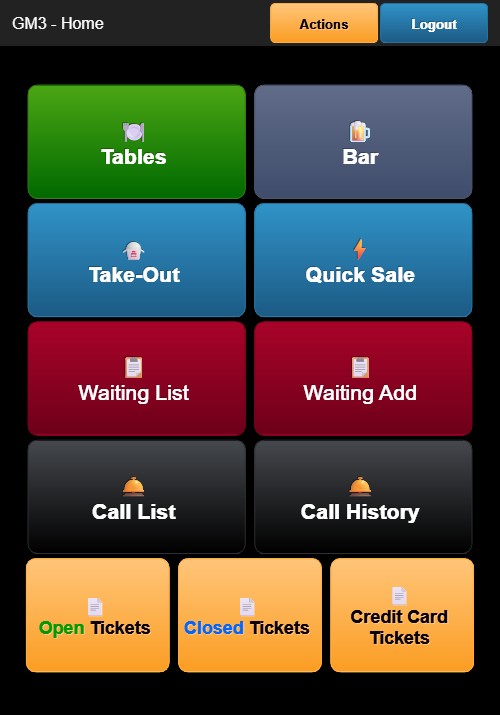
Take-Out is used for managing to-go orders. From the Home Screen, tap the light blue Take-Out button.
Take-Out Screen
The Take-Out screen displays a list of existing take-out orders. Each entry shows the order number, customer name (if entered), and order total.
To create a new take-out order, tap the option to start a new ticket. The order screen opens with TAKE-OUT as the order type in the header.
Ordering
The ordering process is the same as table ordering:
- Tap menu categories on the right side to view items.
- Tap items to add them to the order. Modifier selection appears for items with modifiers.
- Items appear in the order list on the left.
Bottom Buttons
- Print (red button) — Prints the ticket
- + Order (blue button) — Returns to the menu to add more items
- Pay (green button) — Opens the Payment Options screen
The payment process follows the same flow as table orders.