Select a Table
Table Map Screen
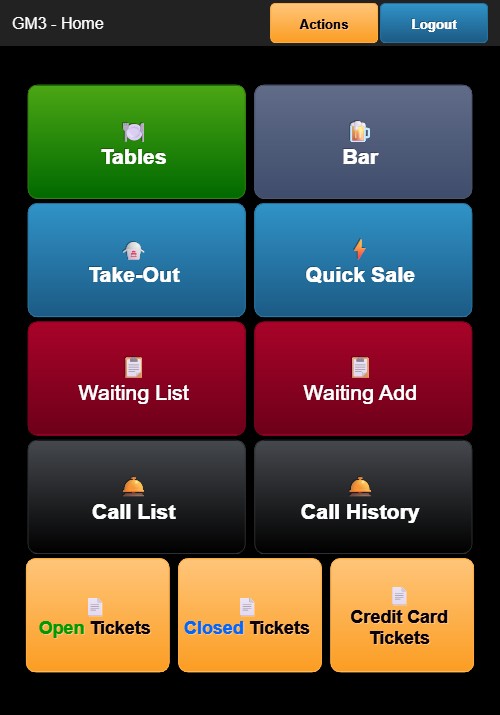
Tapping Tables from the Home Screen opens the table map. The header displays GM3 - Tables with an orange Actions button and a blue Close button.
Section floors appear at the top (DINE IN, SUSHIBAR, etc). The default section is DINE IN. Below the floors, tables are shown as buttons labeled with table names (e.g., A1, B2, C3).
Opening a New Table
- Tap an available (gray) table.
- A guest count selection overlay appears with number buttons 1 through 9.
 3. Tap a number to set the guest count.
4. Tap the green DONE button to confirm.
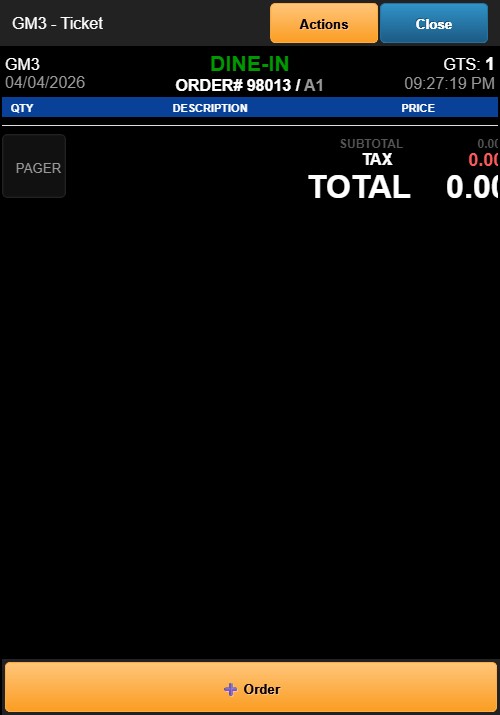
5. A new ticket is created and the order screen opens.
3. Tap a number to set the guest count.
4. Tap the green DONE button to confirm.
5. A new ticket is created and the order screen opens.
Opening an Existing Table
Tap an occupied (blue) table to open its existing ticket. The ticket screen displays the current order items, totals, and available actions.
Closing the Table Map
Tap the blue Close button in the header to return to the Home Screen.