Credit Card Tickets
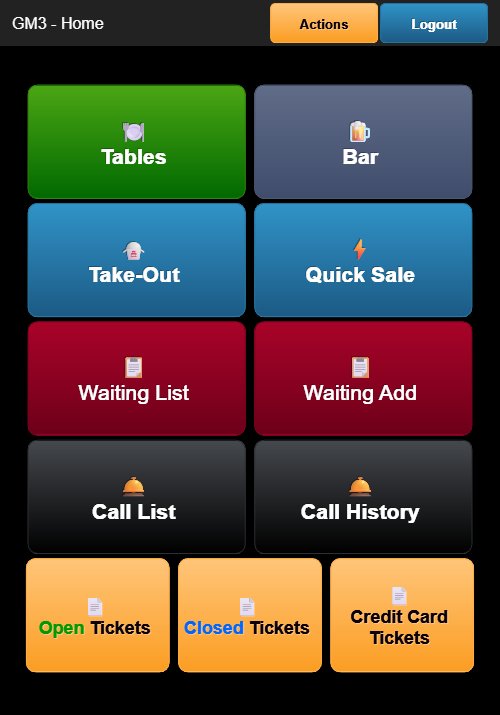
Tap the orange Credit Card Tickets button at the bottom of the Home Screen to view all orders paid by credit card.
Credit Card Tickets Screen
The header displays KIM - Credit Cards with a blue Close button.
Each ticket entry shows:
- Order Number — The ticket number (e.g., 1014, 98001, 98012)
- Register — The register or employee identifier (e.g., GM3, KIM)
- Table/Section — The assigned table (e.g., A1, E1, E2, W1, C3)
- Customer Name — Displayed below the table (e.g., "LEE GI")
- Total Amount — The total charged to the credit card
- Item List — Expanded view showing item names, quantities, and prices
- Status — Displayed as "SALE" in green text
Tapping a credit card ticket opens a detailed view showing all order items, payment transaction details (card type, approval number, TVR, TSI, AID, cardholder name, purchase amount, tip amount, and pinpad identifier).
Closing the Screen
Tap the blue Close button to return to the Home Screen.